This post records a few of my thoughts on reading academic literature. I want to be upfront: obsessing over “methods” — whether for literature reading or essay writing — is counterproductive. What matters most is putting in the work to actually read and think. Also, this approach may not suit everyone; each person should develop their own rhythm. I hope this gives you a few useful ideas for building a process that works for you.
From literature reading to essay writing, I’ve organized my process into five phases:
- Collection
- Reading
- Study
- Construction
- Writing

Here’s each phase in detail.
1. Collection
Tools needed: none
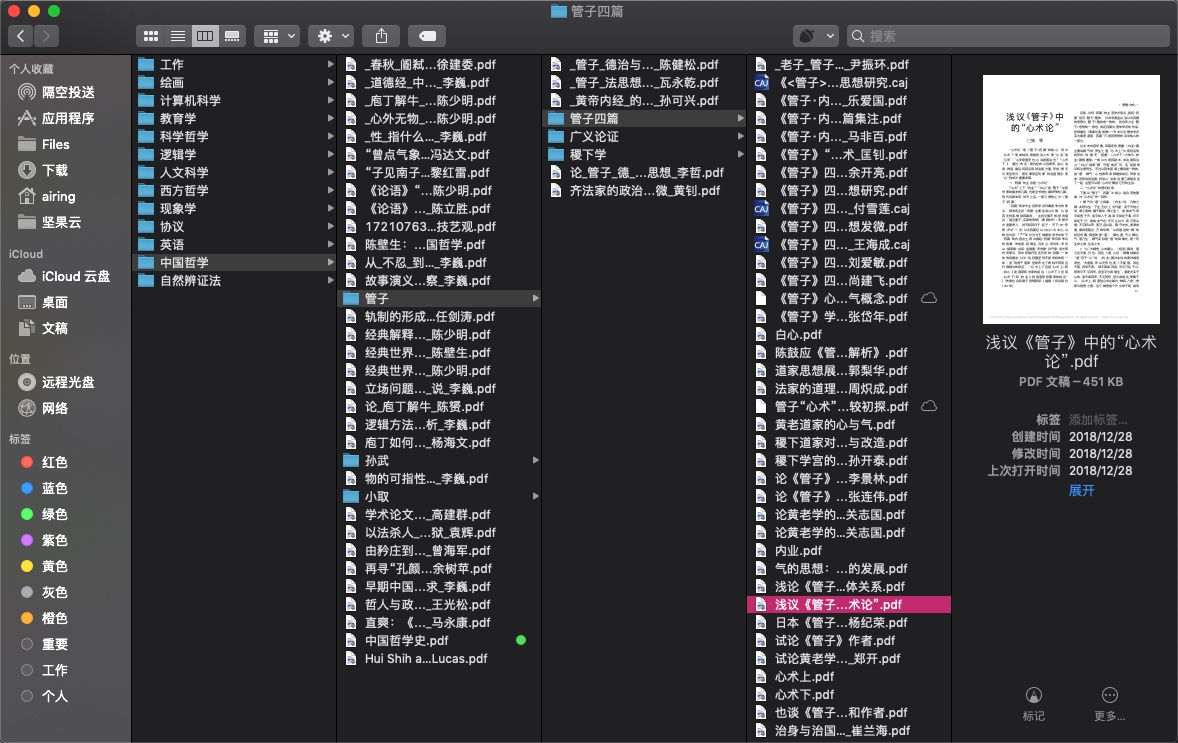
Task: Gather papers and monographs within your research area and organize them.
- I organize by “discipline → field → topic”, which keeps things clear.
- Get electronic versions of papers and monographs wherever possible — this makes annotation and organization much easier later.
- Note that this work continues throughout the entire writing cycle. It doesn’t end after the first collection pass. During the construction phase, if you find gaps in your knowledge graph, you need to go back and find new literature to fill them.
2. Reading
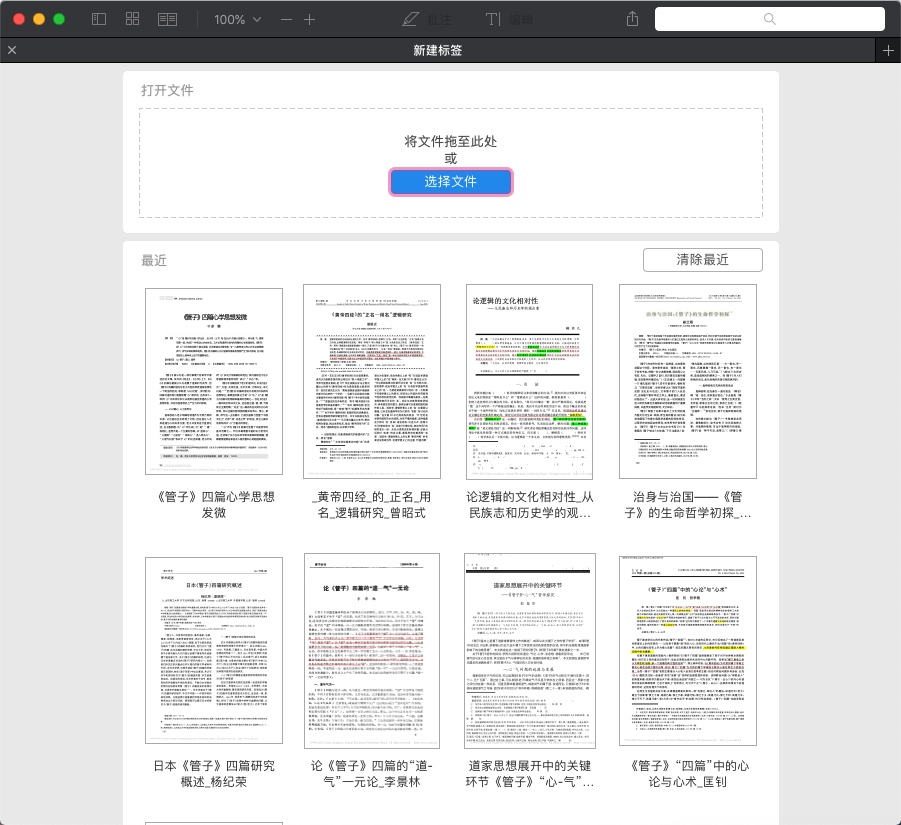
Tools needed: PDF Expert (Mac / iPad) Windows alternative: Adobe Acrobat Reader
Task: Initial reading of papers (not monographs yet), with annotations.
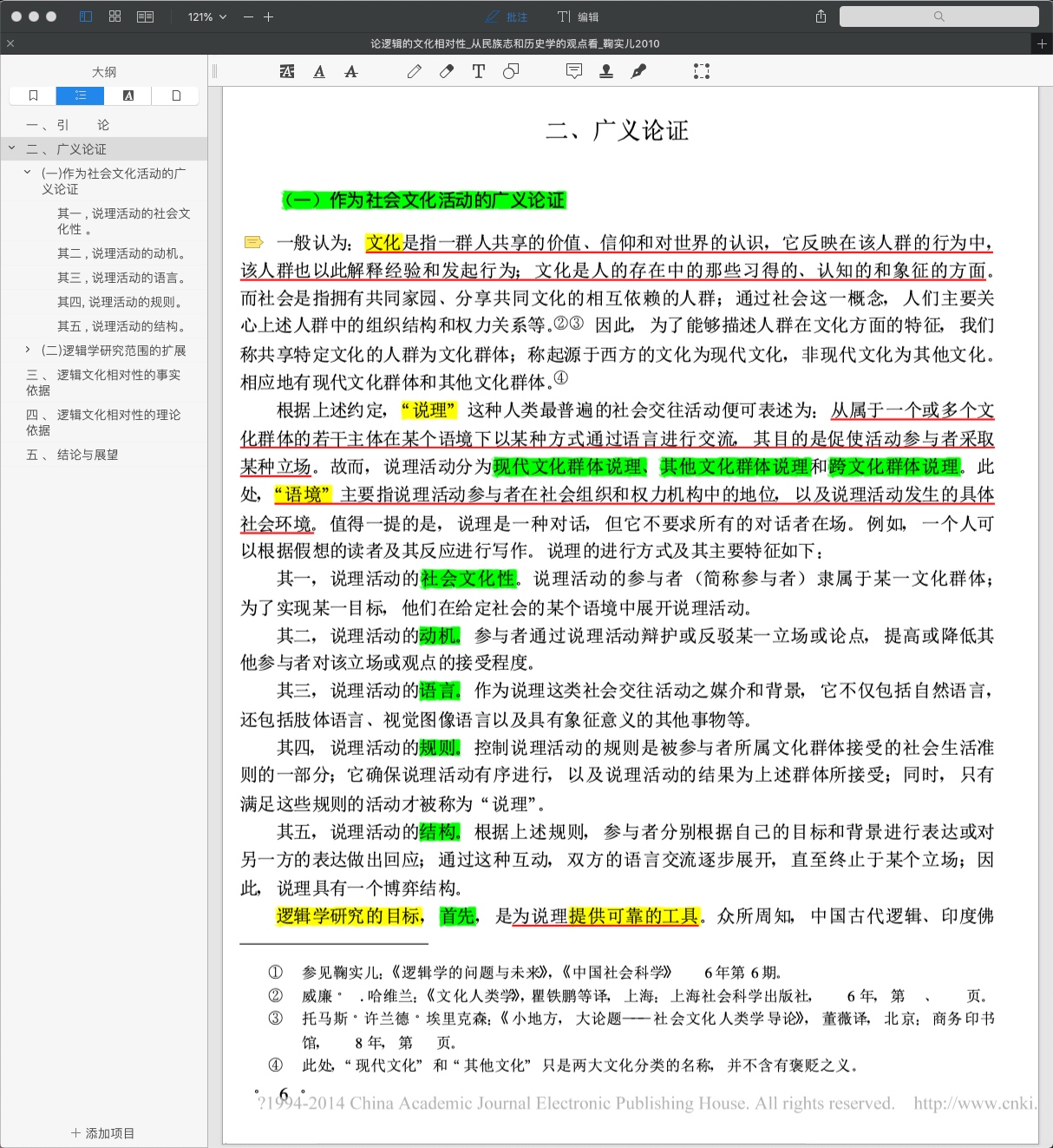
- Build a table of contents based on the paper’s title and key points. This helps you navigate quickly when you return to the paper later, and sets the stage for deeper reading in the study phase.
- Highlight key content — use no more than three colors, or it becomes overwhelming.
- Use underlines for key sentences; use a highlighter for individual terms.
- Even though this is a first pass, you should understand every sentence in the paper. Don’t skip over things you don’t get.
3. Study
Tools needed: MarginNote 3 (Mac / iPad) Windows alternative: Adobe Acrobat Reader + XMind / Mubu
Task: Deep reading of literature (including monographs), with mind map creation.
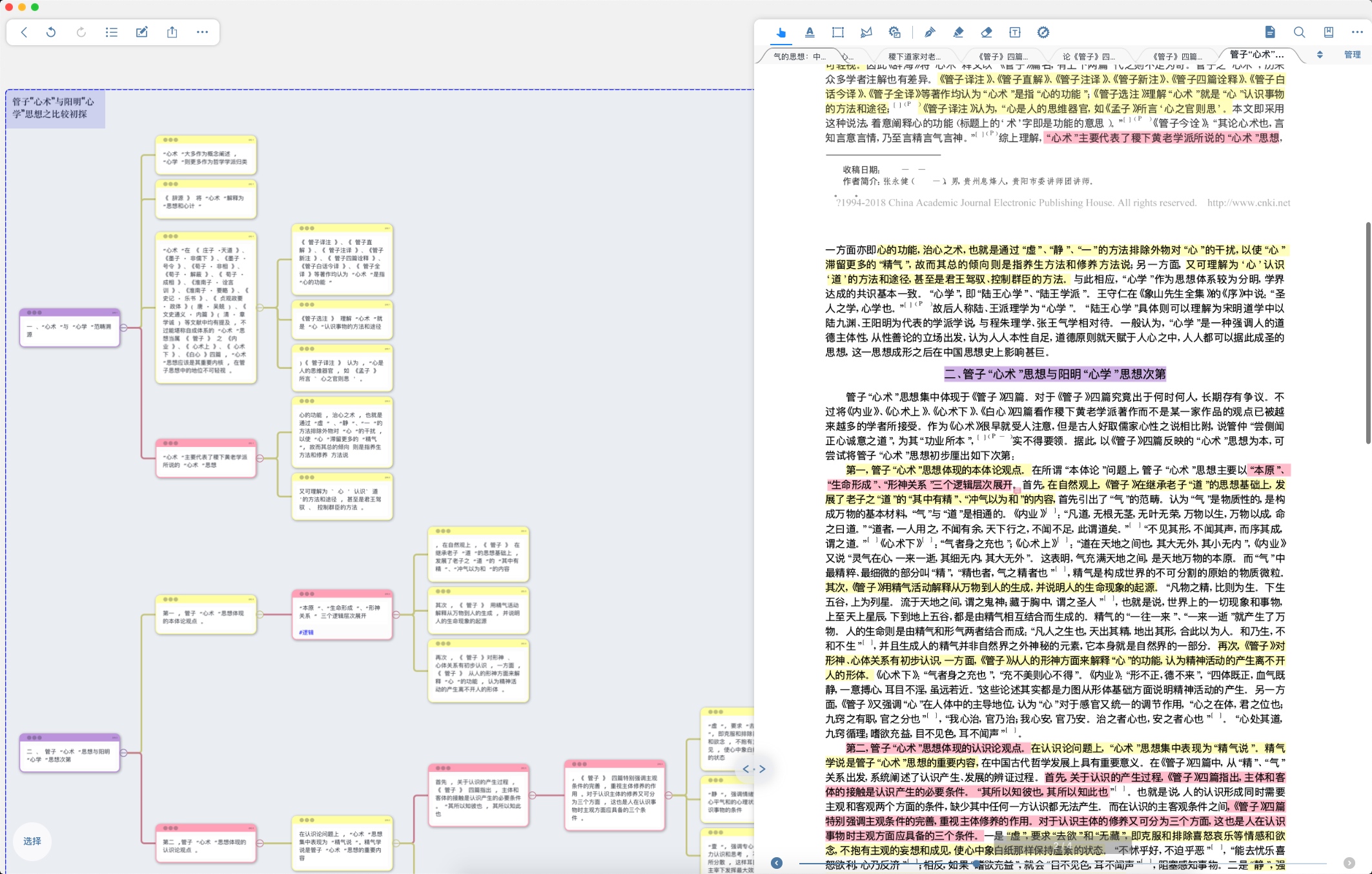
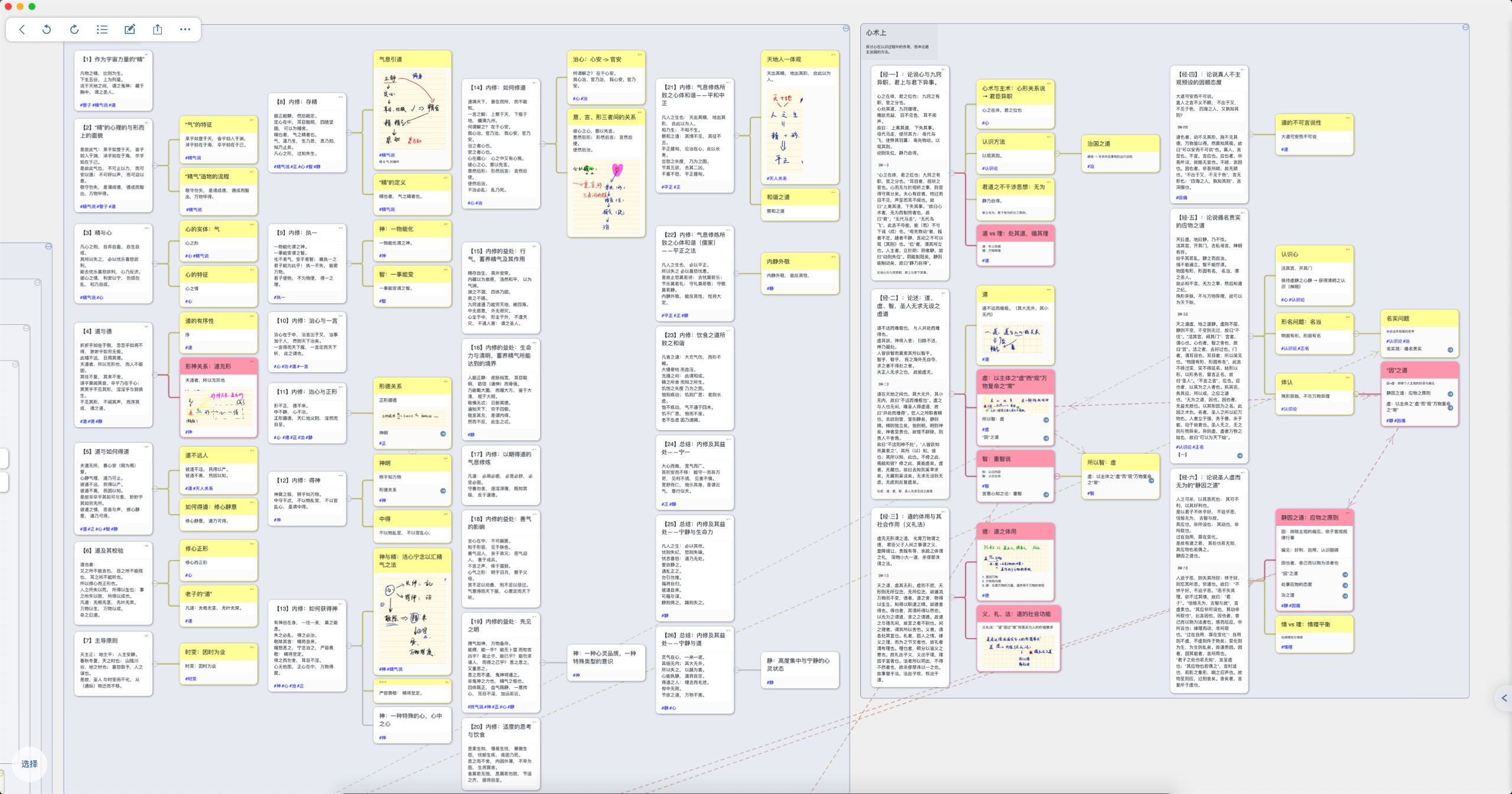
- Import all previously read literature (including monographs) directly into MarginNote 3. The software automatically carries over your annotations and outline structure, then consolidates all literature in its study module for deeper reading in this phase.
- When making secondary annotations in MarginNote, a mind map is automatically generated on the left side. It’s auto-generated but still needs some tidying up. I recommend using no more than 3 colors (purple: node headers; red: critical knowledge points; yellow: general knowledge points). “Critical” means strongly relevant to your topic and capable of providing writing inspiration.
- Tag each node in the mind map — this pays off in the construction and writing phases. If two nodes have a logical relationship, draw a connection between them. For example, if content X from Paper A relates to content Y from Paper B, tag them the same and link them. This cross-paper reading approach is very powerful for developing creative thinking.
- Windows users will need to build mind maps manually in another tool.
4. Construction
Tools needed: Gliffy Diagrams (Mac / Windows) + OneNote (all platforms)
Task: Based on the mind maps you’ve built, engage in research and elaboration.
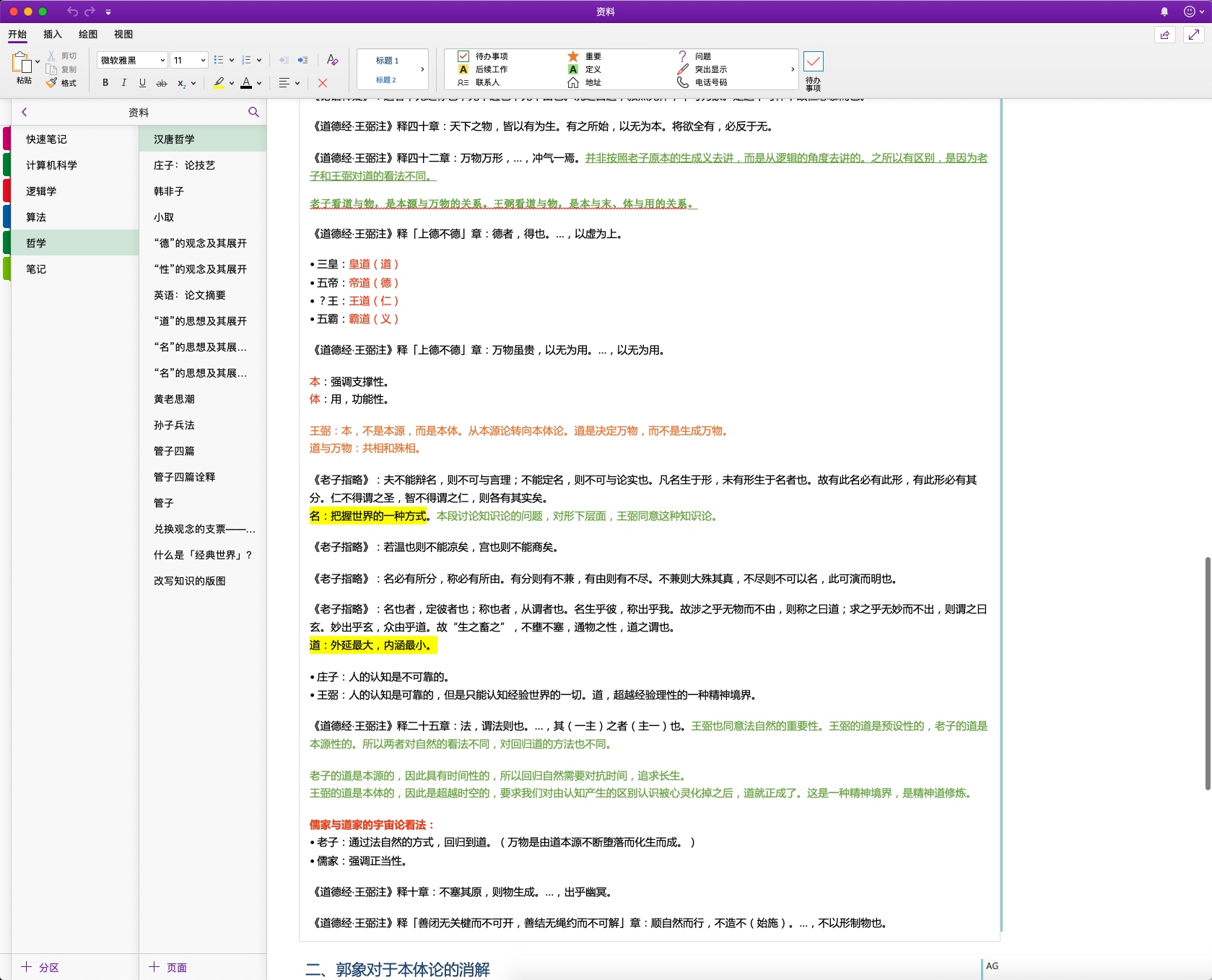
- Transfer important knowledge points into OneNote for quick reference during writing. I also use OneNote for lecture and seminar notes, so all knowledge ends up consolidated there. My OneNote structure mirrors the “discipline → field → topic” hierarchy from the collection phase, making retrieval easy.
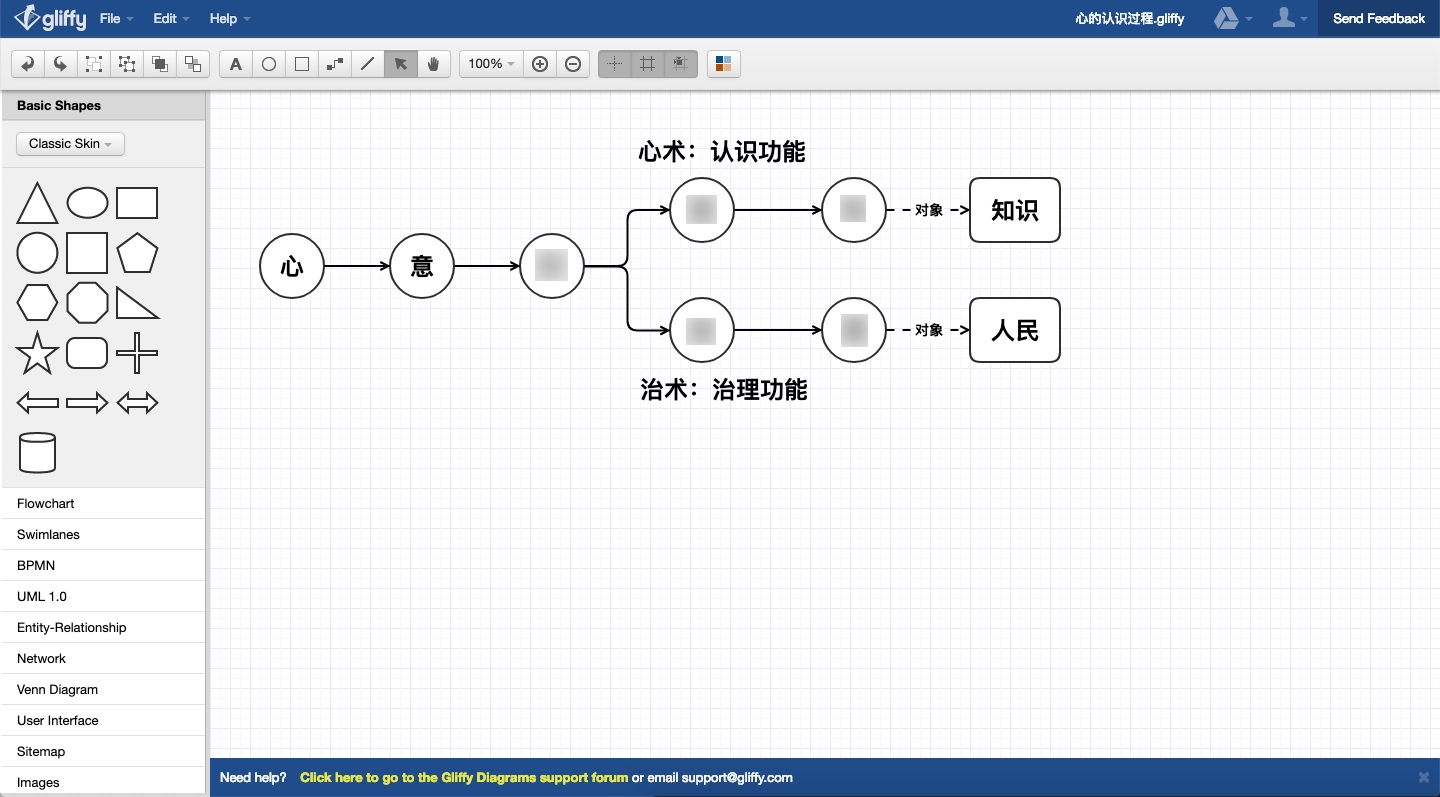
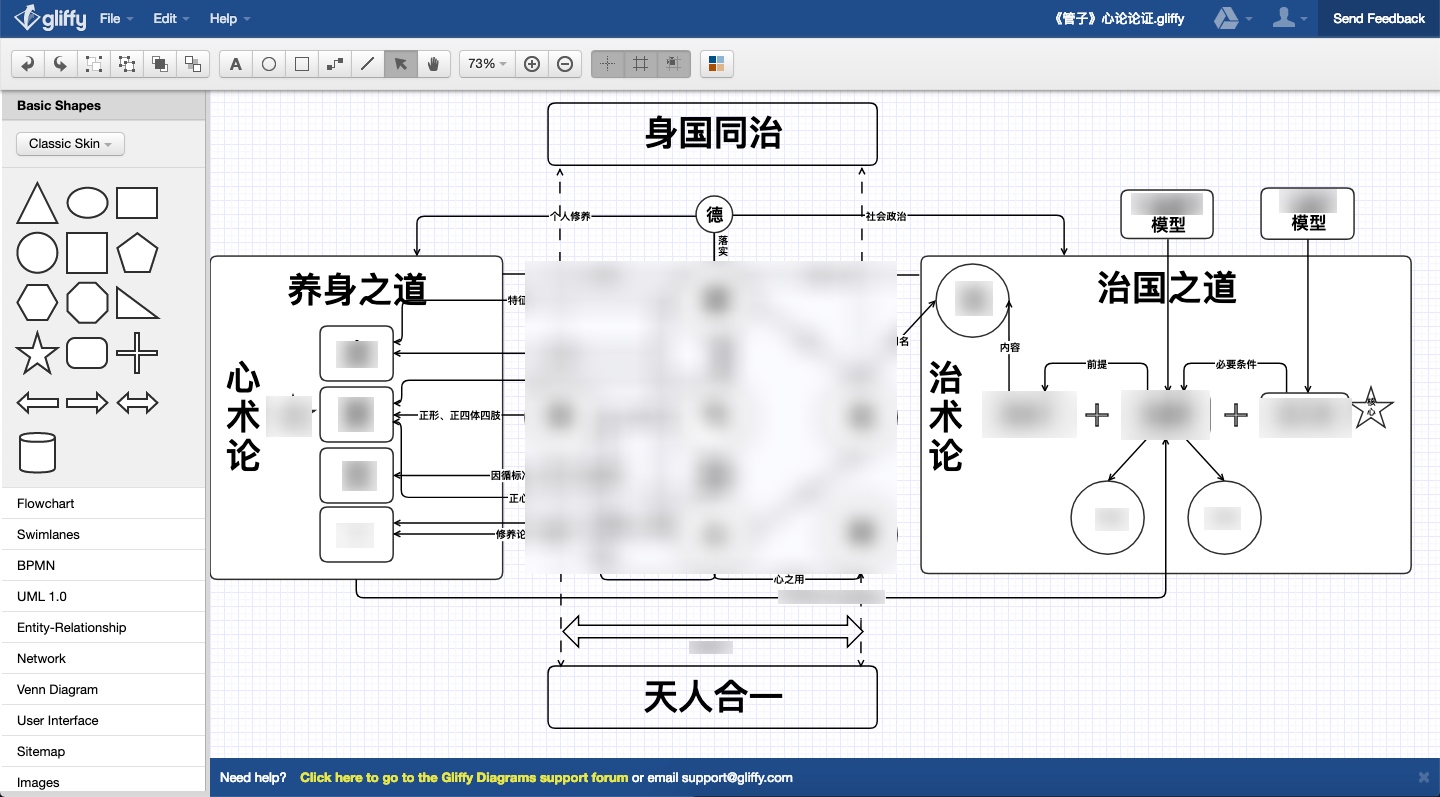
- Find the logical connections between the knowledge points you’ve compiled, deepen your understanding of them, and build a knowledge graph. Design it with extensibility in mind — you’ll almost certainly refine it as new insights emerge. This knowledge graph is the core idea of your paper — your innovation — and it’s the hardest part of the whole process.
- For graph building I use a Chrome App called Gliffy Diagrams, though many other diagramming tools work fine.
5. Writing
Tools needed: MarginNote 3 (Mac / iPad) + MS Office Word (all platforms)
Task: Write the essay, drawing on the knowledge graph and organized knowledge points from the previous phases.
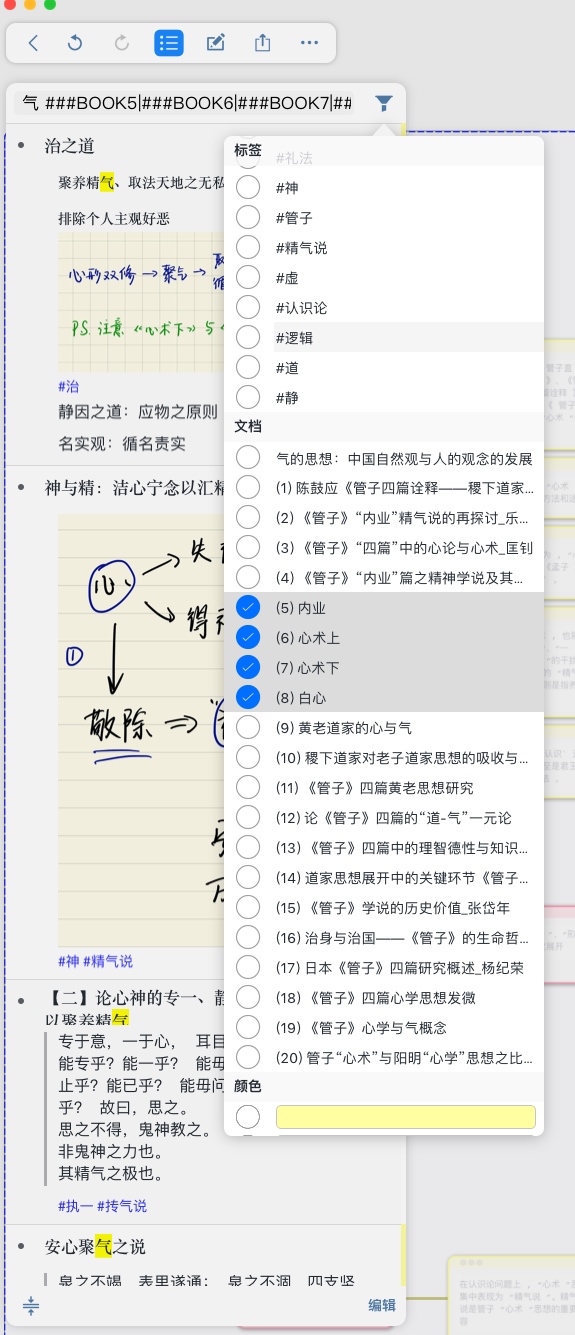
- When you need to search during writing, use MarginNote’s search function. Filter by tag and by specific papers. For instance, if I need to find references to the theory of “qi,” I select the “#qi” tag or just type “qi,” then choose the papers I want to search in — the relevant knowledge points appear on the left side. You can also filter by color, which is where the color coding from Phase 3 pays off.
- Make good use of Word’s built-in comment feature. If you’re not satisfied with something but don’t know how to fix it yet, leave a comment as a marker and come back to it when inspiration strikes.
- Pursue refinement relentlessly. Re-read everything you’ve written and look for problems. Read closely line by line, but also check whether the logical structure at the level of the whole text holds together. Always keep the overall arc in view.
Finally — I wish you a smooth and flowing writing process.
