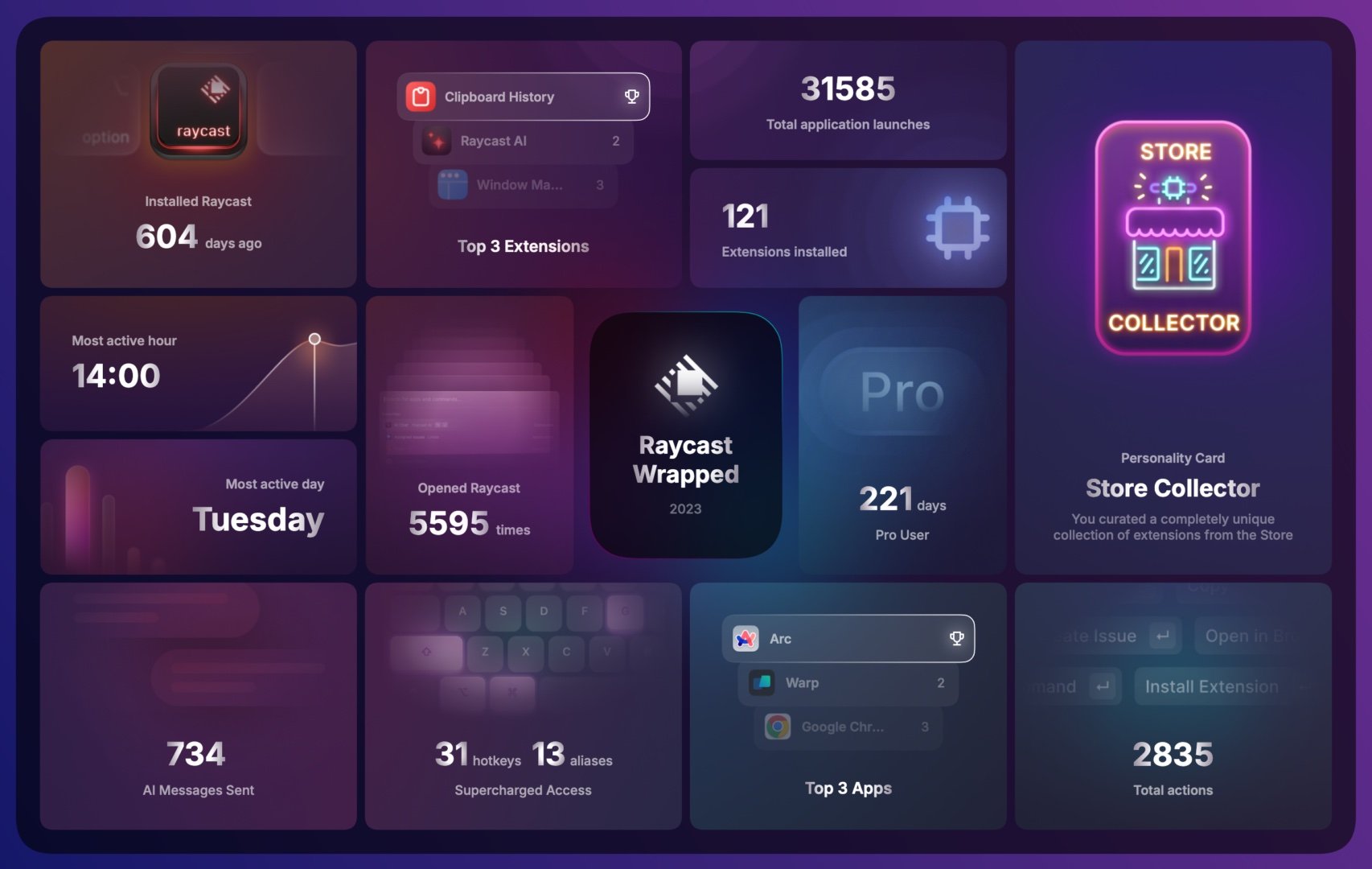
I’ve wanted to write about this for a long time. I’m an avid tech enthusiast and a committed tool obsessive — I’ve tried a lot of products over the years, retired wave after wave of them, and what’s settled out is a fairly stable toolkit that I’m genuinely happy with.
This is also a deeply personal topic. Everyone’s perspective is shaped by their own experience and context, and what works brilliantly for me might not resonate with you at all. That said, I still want to share what I’m currently using — in hopes that some of it sparks something useful for you.
Updated: 2024-03-29
Hardware
Computers and Accessories
Apple MacBook Pro (2021, 16-inch, M1 Max, Space Gray, 32GB RAM, 1TB SSD) — My main work machine. It’s a 2021 model with not a massive amount of RAM, but the M-series chip manages memory so efficiently that swap usage is high and I’ve had no real issues in practice.
Apple MacBook Air (2022, M2, Midnight, 24GB RAM, 1TB SSD) — My portable machine. This is what I take out.
Apple iMac (2020, 27-inch Retina, Intel Core i7-10700K, 96GB RAM, 1TB SSD) — Company-issued. I upgraded the RAM myself, but the CPU can’t keep up with my current workload. It sits on my desk now connected via Luna Display as an external monitor, and I occasionally use it for long-running jobs.
Studio Display (Nano-texture glass) — The monitor at home. I regret paying extra for nano-texture — it genuinely affects clarity, and the study has stable lighting where regular glass would have been perfectly fine.
LG UltraFine 4K Display — Bought at a company discount in 2021. I liked it enough that I bought a second one a month later. Daisy-chaining support makes it convenient with the MBP.
HHKB Studio — Mechanical HHKB. Very comfortable. Used at the office.
HHKB Professional HYBRID Type-S (White, with legends) — Retired from the office by the HHKB Studio. Now in the study.
HHKB Professional HYBRID Type-S (White, blank keycaps) — Bought alongside the above as a keycap collector’s item. Same model, but the tactile feel is slightly softer.
Magic Trackpad (Silver) — Paired with the white keyboard setup. Study use.
Magic Trackpad (Space Gray) — Paired with the black HHKB. Office use.
Magic Keyboard (Blue, Touch ID) — Picked up secondhand as an iMac (M1) accessory. Didn’t end up using it — still prefer the HHKB layout.
Mobile Devices
iPhone 15 Pro — Primary phone.
iPhone 6s — Company test device. Low-end hardware for performance testing.
Samsung Galaxy Z Flip4 — Personal Android device, for experiencing Android software and the more open ecosystem. Occasionally used as a reader.
Xiaomi Mi 9 — Company test device. Frequently used to run projects.
Apple Watch Ultra — I personally prefer the stainless steel Series version aesthetically, but the Ultra’s features won out.
iPad Pro 12.9 (M1) — “Your next computer is still a computer.” The filesystem, window management, and software ecosystem are all disappointing enough that it functions primarily as a Bilibili player.
iPad Pro Magic Keyboard — Used with the iPad Pro, but I don’t enjoy the combo — it ends up heavier than the MacBook Air.
iPad mini (6th generation) — My most-used iPad. Reading e-books and gaming on the go. High daily use frequency.
BOOX Leaf 2 — Good open Android experience. The side page-turn buttons (same as KO3) are genuinely useful. Primarily for WeRead.
Kindle Oasis 3 — Better display clarity than the Leaf 2, but Kindle’s exit from the Chinese market hurt the experience, and it doesn’t support WeRead — so I stopped using it.
Zendure 10000mAh Power Bank (Hiking Green) — I’ve tried many power banks. This one is affordable, compact, and looks great. My favorite.
Audio
AirPods Pro (2nd generation, USB-C) — The original pair survived a two-hour washing machine cycle, but noise cancellation and transparency mode were wrecked. Time for a replacement.
AirPods Max — Light use. Prolonged wear puts too much pressure on the ears.
HomePod (1st generation) — HomeKit hub, and plays music regularly.
Camera and Video
Fujifilm X100VI — Excellent straight-out-of-camera results.
907X & CFV 100C + XCD 4/28P — The simplest path to the highest image quality.
Insta360 GO 3 — Average low-light performance, but incredibly small. Getting the shot matters more than getting the perfect shot.
Gaming
Nintendo Switch (OLED Model) — Zelda launcher.
Nintendo Switch Lite — Occasionally brought along for portable gaming on the go.
Steam Deck — Light use. A few Steam games here and there.
PlayStation 4 Pro — Sitting in a corner collecting dust. Bought it for God of War right after graduating.
Xbox Elite Wireless Controller — Excellent build quality, rich accessories and software ecosystem. Compatible with iPad and Steam Deck.
Nintendo Switch Pro Controller — Rounds out the Switch experience properly.
Nuts N1S Pro 4K — Three-primary-color laser projector with impressive specs on paper, but the software is poor and it went in for repairs within six months. In the bedroom.
XGIMI H3S — Redeemed with points from the company store. Three years in with no issues. In the living room.
Software and Services
System
Arc — My browser. The design philosophy fits how I think about browsing.
CleanShot X — Screenshot and screen recording tool. The annotation shortcuts are excellent.
Bob — Translation app with great shortcut support. I use it less often now — most translation goes through Raycast + AI Command.
Stats — Menu bar display for CPU, RAM, network, disk, and power status.
Keynote — For presentations and thesis defenses. I tried iA Present for a while, but Keynote is still the best.
Numbers — For charts and data.
Bartender 5 — Essential Mac utility. Full control over what appears in your menu bar.
RunCat — A small animated cat whose running speed reflects CPU load. Charming and useless in the best way.
Vimac — Vim-style keyboard navigation throughout macOS.
NinjaMouse — Used alongside Vimac. Automatically moves the mouse pointer to the center of the active window when switching apps.
Input Source Pro — Automatically switches input method based on the active app. Very useful during development: switch to IDE or terminal → auto-switch to English; switch to documents or WeChat → auto-switch to Chinese.
AltTab — Windows-style app switcher with thumbnail previews, including minimized windows.
Hookmark — Used with Drafts to create deep links and bookmarks between any apps.
Geekbench 6 — System performance benchmarking.
AlDente — Battery charge management. Lets you cap charging at 80% for long-term battery health. More precise and customizable power policy control.
Tencent Lemon — Disk cleanup utility. Compact and practical. Hoping it doesn’t go the bloatware route.
Services
Perplexity — Replaced Google as the default search in Arc. Running 20–40 searches a day, combined with custom prompts and Claude 3 Opus. Output quality is genuinely high and has significantly improved my learning speed.
Tencent Docs — For work or anything collaborative.
GitHub Copilot — Using it free since 2022. Massive productivity boost, especially in Jupyter where natural language data processing becomes practical.
Readwise — All my highlights from every reading source flow into Readwise. From there I take notes and process them in HeptaBase.
IFTTT — Automation service supporting AI and Webhooks. I use it to aggregate, organize, and route all kinds of records — web saves flow into Cubox, notifications flow into a personal Telegram channel.
Last.fm — Tracks listening history across all platforms. Beautiful charts. Used alongside musicfox.
Productivity
Raycast — I’m on Raycast Pro with the GPT-4 extension pack. The features I use most: HotKey shortcuts to open apps instantly, AI Chat, and Clipboard History.
Plugins I use regularly:
- AI Chat & Quick AI — One keystroke to summon AI anywhere on the machine. Makes Microsoft’s dedicated Copilot key look a bit silly.
- AI Command — Runs copied text through custom pre-written prompts. I use it to extract key info from CI results and generate configs, format/compress JSON, analyze stack traces, and translate between English and Chinese.
- Clipboard History — More efficient than Rewind for my use case. Direct access to everything I’ve copied.
- My IP — Quick lookup and copy of local IP. Essential for development.
- Google Search — Since Arc’s default search is Perplexity, this shortcut is for when I specifically want Google.
- QR Code Generator — Convert URLs to QR codes without opening a browser. Comes up surprisingly often at work.
- Todoist — Surface today’s tasks in the menu bar or a popup.
- Linear — Linear integration.
- Scrcpy — Scrcpy integration.
Rize — Time tracking and focus management. Runs automatically in the background.
Fantastical — My unified calendar and task management tool. Seven years and counting.
Apple Calendar — Used alongside Fantastical.
Todoist — I’ve tried OmniFocus, Things 3, Sorted3, Apple Reminders, TickTick, and Taskade over the years. I landed on Todoist for its open API, excellent Vim keyboard support, and solid integration with Fantastical and other third-party apps. If those three factors don’t matter to you, TickTick offers the best overall experience and value.
Drafts — With keyboard shortcuts and the desktop sticky note feature, it works perfectly as a scratchpad and desktop clipboard.
Reading
Readwise Reader — Excellent integration with Readwise. Smooth experience, shortcut support, RSS subscriptions, newsletter subscriptions, and image highlighting. I use the web version mostly.
Inoreader — RSS feed management. Combined with email, IFTTT + AI, Telegram subscriptions, and keyword monitoring for automated alerts and summaries.
WeRead (微信读书) — The new AI outline feature is excellent. Combined with Readwise for saving highlights after finishing a book.
Cubox — Web clipping inbox. Used with IFTTT — all subscribed content eventually flows into Cubox.
Instapaper — Free, and integrates well with IFTTT, browser extensions, and Inoreader. Functions as a transfer service for web saves.
Notes
HeptaBase — Over seven to eight years I’ve tried Notion, Bear, NotePlan, Tana, Roam Research, Capacities, Logseq, Obsidian, Craft, Mem, and MWeb. HeptaBase is the one I’ve kept — it produces the highest output efficiency for me. Beyond card-based notes, it has canvas/whiteboard functionality, PDF annotation, and excellent Readwise integration.
Obsidian — I’ve tinkered with many plugins, but ultimately I only use Obsidian for one thing: the Excalidraw plugin. At this point Obsidian is essentially an Excalidraw client. I use it daily as a whiteboard for rough drafts and thinking through work problems.
Development
Editors:
Visual Studio Code — For quickly browsing projects, analyzing logs, or working in Jupyter.
WebStorm — I used to be fully in the VS Code camp, then discovered what paid software feels like (covered by company license). The built-in Git tools, conflict resolution, file management, and memory tuning are excellent — no plugin wrangling required, and it performs noticeably better than a VS Code setup loaded with extensions.
CLion — JetBrains family. For C++ projects.
Xcode — For iOS projects.
Android Studio — For Android projects.
Cocos Creator — For game projects.
Editor Plugins:
- Vim — Installed in JetBrains, VS Code, and Xcode.
- MetaJump — Pairs with Vim for fast cursor movement.
- Banish Pointer — Hides the mouse pointer when focus is in the editor. Pairs with Vim.
- Error Lens — Enhanced inline error display.
- Filter Line — Filter log output by keyword.
- GitHub Copilot — AI coding assistance.
- GitToolbox — JetBrains Git enhancement. Shows inline commit info.
- GitLens — VS Code equivalent of GitToolbox.
- Git Graph — VS Code. JetBrains’ built-in is sufficient there.
- TODO++ — VS Code. Unified comment annotation management. JetBrains’ built-in is sufficient.
- Bookmarks — VS Code. JetBrains’ built-in is sufficient.
- Jupyter — For data analysis.
- WakaTime — Tracks coding time.
Browser Extensions:
- Readwise — Highlight directly on web pages; syncs to Reader.
- Instapaper — Save web pages, works with IFTTT, Cubox, and Readwise.
- Immersive Translation — For reading English-language sites with bilingual parallel translation.
- 1Password — Auto-fill for registration and login.
- Vimium C — Vim-style keyboard navigation for web browsing.
- Whistle Rule Manager — Proxy management for development. A replacement for Proxy SwitchyOmega, which stopped working when Chrome dropped Manifest V2 extensions in mid-2024.
Terminal:
Warp — Works out of the box, looks good, and most importantly requires zero setup or plugin configuration. Replaced iTerm2, which I had used for years.
Command-Line Tools:
- oh-my-zsh — Primarily the git aliases, git plugin, and zsh-autosuggestions.
- tig — CLI Git enhancement. Heavy daily use.
- Homebrew — Essential Mac package manager.
- musicfox — Command-line music player. No music app installed; this handles everything through Vim shortcuts and connects to Last.fm.
- nvm — Node version manager.
- Scrcpy — For Android development. Screen mirror and control from the desktop for testing and recording.
Version Control:
GitKraken — Reserved for complex scenarios: multiple submodules, or tracing a long commit history to pinpoint where something changed. Otherwise I use tig.
Network Debugging:
Whistle — My most-used tool at work. View raw requests, configure proxies, save/restore sessions, simulate/replay requests, intercept and modify responses. Flexible and powerful — genuinely indispensable.
Chrome — Standard proxy-based local development, occasional Devtools use, sometimes inspect for real-device debugging or net-log for deep network issue diagnosis.
Safari — For debugging JSCore or WKWebView on iOS devices.
Other Dev Tools:
- Linear — Issue tracker with milestone and roadmap support, effort estimation, time prediction, and IFTTT sync to Todoist.
- Console — Capturing iOS client logs. Similar to LogCat.
- PerfDog — Performance testing. Regularly used to analyze frame drops.
- Xcode Instruments — Performance profiling. For analyzing time-consuming stack traces.
Other
Pixelmator Pro — Picked it up during a free promotion. Powerful, smooth, and easy to use for image editing.
Money Things — Personal finance management, used with the mobile version.
1Password — Unified management of passwords, documents, licenses, and certificates. Built-in two-factor authentication, Passkey support, and SSH agent.
Mobile Apps
Journaling and Tracking
Fog of World — Turns life into explorer mode. I’ve taken so many detours because of this app, but the sense of accomplishment is immense.
Rond — Passive location logging.
Life Journal — Passive movement track recording.
Day One — Diary app. See Weekly #19: On the Meaning of Keeping a Diary.
Daylio — Daily mood logging.
Douban — Books, films, and music tracking. Some Douban groups are quite good; Daily Douban also has nice recommendations, and you can subscribe via RSS.
Money Things — I’ve tried many expense-tracking apps. Money Things handles payment scheduling, automated bookkeeping, scenario management, quick entry, and spending statistics well. Desktop version available.
Reading
WeRead (微信读书) — Usually on iPad or BOOX Leaf2.
Readwise Reader — Paired with the desktop version.
Unread — RSS reader. Free, and the mobile experience is better than Reeder on mobile. No desktop version — for desktop RSS, use the web version or Reeder.
Cubox — Paired with the desktop version.
Dimo Highlights (滴墨书摘) — For physical books. OCR text capture is convenient; export to Readwise.
Productivity
Fantastical — Paired with the desktop version.
Apple Calendar — Paired with Fantastical.
Todoist — Paired with the desktop version.
Drafts — Paired with the desktop version. Quick input on mobile is also excellent.
Niagara Launcher — Must-have for Android. Significantly improves the efficiency of launching apps from the home screen.
Web and Search
Arc Search — For quick mobile searches. Default search engine set to Perplexity.
Readwise — Complements desktop reading. Mobile is mainly for periodic review.
Health and Fitness
Health — Occasional mood and weight logging; monitoring health trend charts.
Fitness — For workouts; I like the Activity ring design.
WorkOutDoors — Supports importing routes. Better suited than Fitness for route-based outdoor activities like hiking and cycling.
Grow — Beautiful chart statistics.
Travel
Caiyun Weather (彩云天气) — Most accurate real-time rain forecasting. The free tier has too many ads, unfortunately.
Apple Maps — Occasionally for driving. More accurate real-time positioning than Gaode, and syncs with Apple Watch.
Gaode Maps (高德地图) — Better congestion prediction and route recommendations than Baidu or Tencent Maps. The traffic light display in urban areas is also useful.
Trip.Biz (航旅纵横 Pro) — The most comprehensive and timely flight information app. Notifications beat the airport PA system.
